Breaking Bridges - 10 Pack
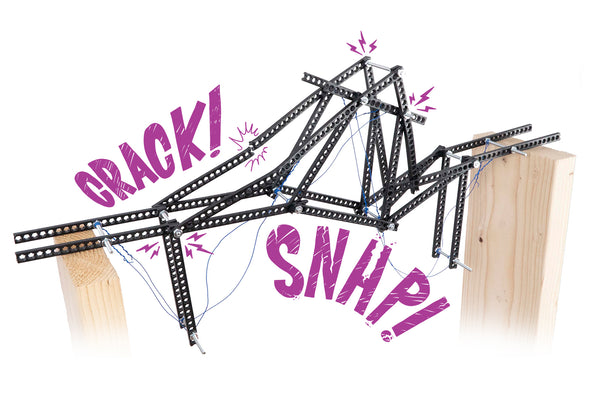
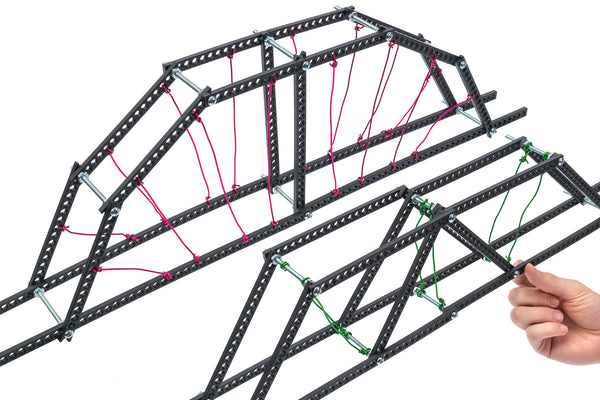
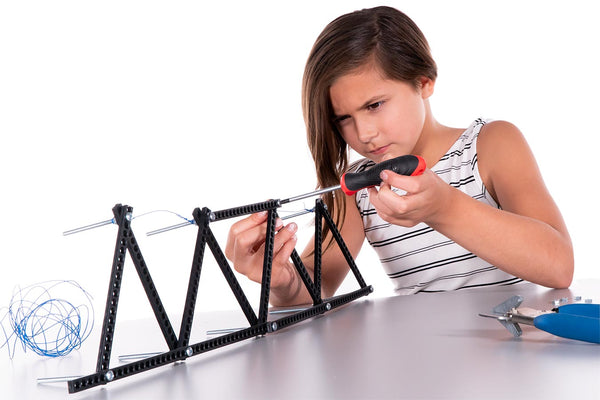
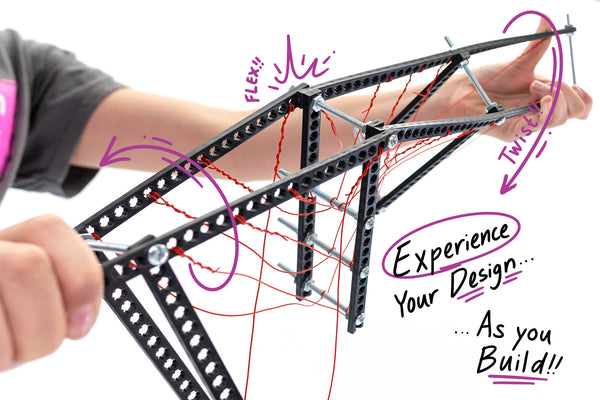
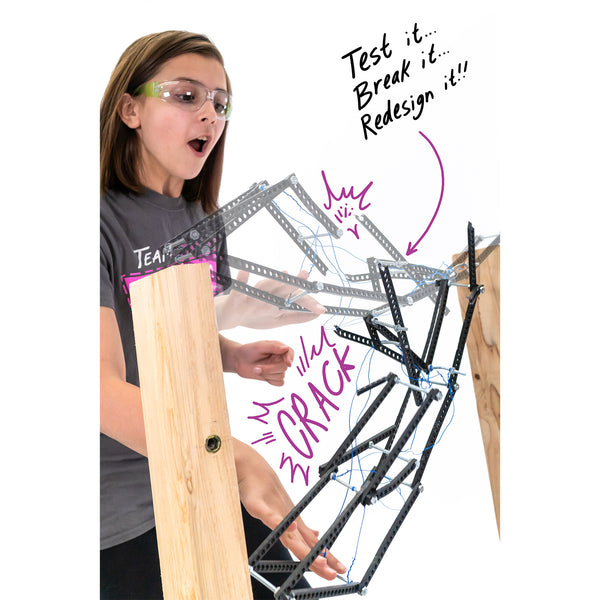
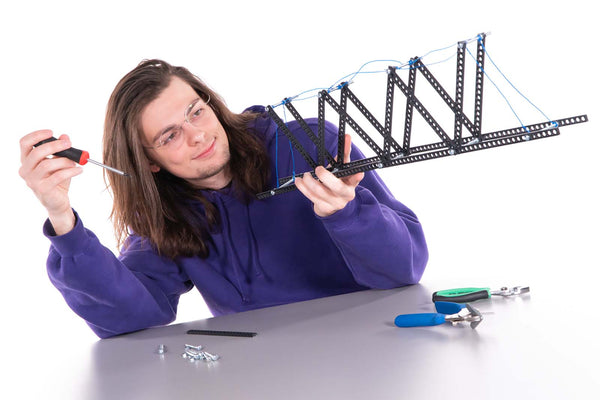
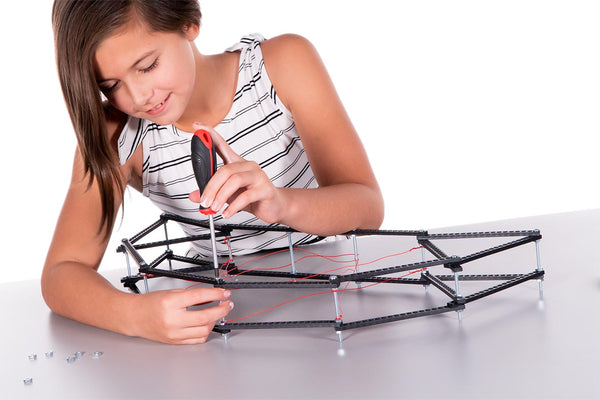
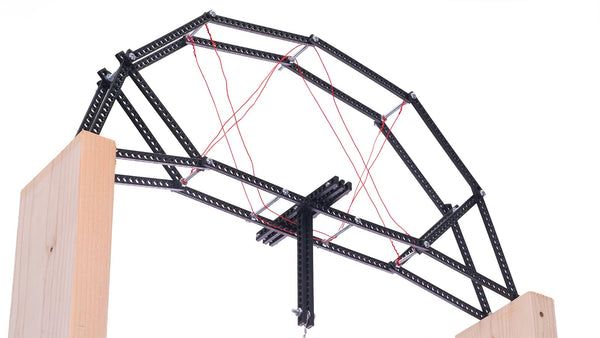
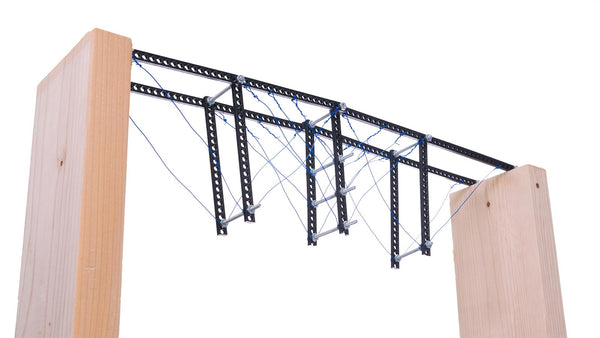
Design, build, test, repeat! Forget popsicle stick, balsa wood, or spaghetti bridges, TeacherGeek bridges allow you to do what was never before possible: redesign and retest your bridge without the hot glue or mess. Using TeacherGeek's proprietary build system, students will have more control over their bridge than ever before; allowing them to learn through experimentation and failure, and evolve designs as their understanding grows. From arch bridges to trusses; with so many design possibilities students are never done making!
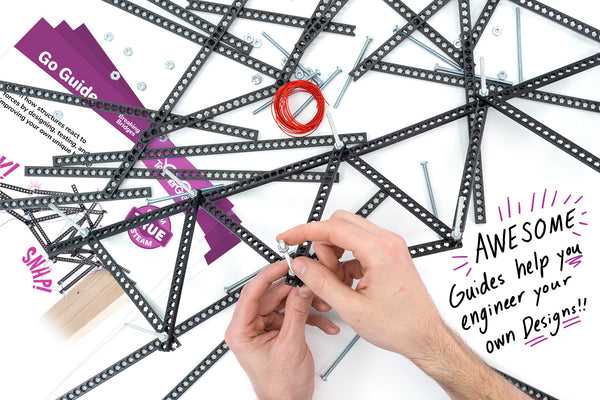
Each Breaking Bridges Activity comes with a printed Go-Guide to get kids started and inspire them to make their own unique designs. TeacherGeek also offers free science labs and engineering challenges to deepen students' understanding and challenge them even further, covering topics such as structural shapes, deflection, tension & compression, software analysis, Hooke's Law, elastic & plastic deformation, and member forces on trusses.
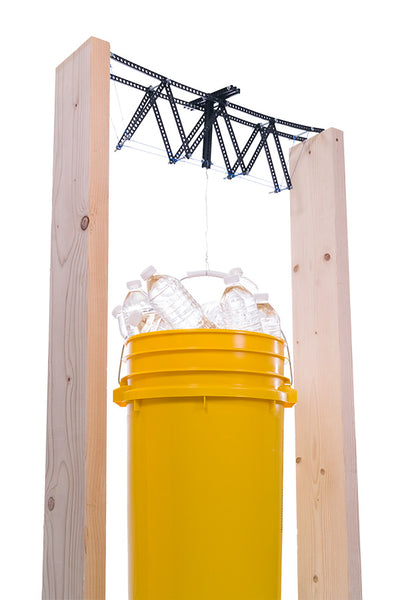
Plan on building STRONG bridges? Check out our 7 gallon buckets for bridge testing, which allow you to add more weight than a standard 5 gallon bucket.

Scroll down to "Things You'll Need" for more info.
Age Range
Customize this activity for the highlighted ages with tons of free labs and challenges!
This is an educational product and not a toy. Adult supervision is required.
Videos
Documents
Click on the flowchart to view documents from each category.
Go Guide:
Give it to your students and go! The Breaking Bridges Go Guide comes in two levels - the Grades 3-5 version has an extra section on stable and unstable shapes.
|
Go Guide (Grades 3-5): PDF | DOCX |
Grades 3-5 start here! Experiment with stable/unstable shapes, learn how to build bridges, and begin the Distance or Strength Challenge. |
|
Go Guide (Grades 6-12+): PDF | DOCX |
Grades 6-12+ start here! Experiment with tension/compression, learn how to build bridges, and begin the Distance or Strength Challenge. |
Labs:
|
Hooke's Law Lab: PDF | DOCX Answer Key |
Students graph bridge deflection while learning about deformation. You'll want to use the Strength Testing Guide to set up a testing station. Ages 12+. |
|
Software Analysis: PDF | DOCX Design Grid |
Students use FREE software to model their bridges, find the internal member forces, and identify their designs' weaknesses. This activity requires students to use the Design Grid to correctly model their bridges in the software. Ages 15+. |
|
Physics Analysis: PDF | DOCX |
Students apply higher level math to find the tensile and compressive forces in their bridges (follows Software Analysis; requires physics coursework). Ages 16+. |
Challenges:
|
Distance Challenge: |
These challenges are embedded right in the Go Guide! You do not need to download any other documents, but if you're doing the Strength Challenge, you can optionally download the Strength Testing Guide to help you get set up. |
|
Strength Challenge: |
|
|
Strength Testing Guide: PDF | DOCX |
Doing Strength Testing? While there are some instructions in the Go Guide, this Testing Guide will give you more detailed instructions on how to set up a testing station, including options that let you measure bridge deflection (bending). |
|
Efficiency Challenge: |
Set up the same way as the Strength Challenge, but use the Engineering Notebook to have kids compute the efficiency of their bridges. |
|
Bridges Engineering Notebook: |
Breaking Bridges has it's own special notebook that guides students as they evolve their design! You'll want extra pages for each student so they can document every iteration of their bridges. |
Other Resources:
|
Strength Testing Guide: PDF | DOCX |
Doing Strength Testing? While there are some instructions in the Go Guide, this Testing Guide will give you more detailed instructions on how to set up a testing station, including options that let you measure bridge deflection (bending). |
|
Design Grid: PDF | DOCX |
The Design Grid helps students lay out their truss designs to complete the optional Software Analysis activity or compete in the Strength Challenge. |
|
STEM Rubric: PDF | DOCX |
Use the STEM Rubric to assess any TeacherGeek project. |
|
STEAM Market-It Challenge: PDF | DOCX |
Add the STEAM Market-It Challenge to any completed TeacherGeek activity to teach students how to turn their TeacherGeek design into a retail product. Students will learn the 4 'Ps' of marketing - Product, Placement, Price and Promotion. Students have the option of completing a commercial, a billboard or retail packaging as a summative assessment. |
|
Bridges Engineering Notebook: |
Breaking Bridges has it's own special notebook that guides students as they evolve their design! You'll want extra pages for each student so they can document every iteration of their bridges. |
Things You'll Need
You're going to need some stuff, but don't sweat it! You probably have it already.
Click a tab below to choose how you will complete this activity - that determines what you'll need.

You're in the right tab!
TeacherGeek Tools
Recommended
Screw Driver
Drive screws into holes.
Recommended
Slip Joint Pliers
Grab nuts, bend
wires, etc.
optional
Multi-Cutter
Cut dowels, strips,
recycling bin items, etc.
optional
Reamer
Ream splines (teeth),
from holes so
dowels spin freely.
optional
Mini Hammer
Tap dowels into
other components.
Other Supplies
- Scissors (to cut wire)
- 2 Markers (for truss testing)
- Duct Tape (for truss testing)

You're in the right tab!
TeacherGeek Tools
Recommended
Screw Driver
Drive screws into holes.
Recommended
Slip Joint Pliers
Grab nuts, bend
wires, etc.
optional
Multi-Cutter
Cut dowels, strips,
recycling bin items, etc.
optional
Reamer
Ream splines (teeth),
from holes so
dowels spin freely.
optional
Mini Hammer
Tap dowels into
other components.
Other Supplies
- Scissors (to cut wire)
- 2 Markers (for truss testing)
- Duct Tape (for truss testing)

You're in the right tab!
Make sure you have the right components - check the Go Guide (see above).
TeacherGeek Tools
Recommended
Screw Driver
Drive screws into holes.
Recommended
Slip Joint Pliers
Grab nuts, bend
wires, etc.
optional
Multi-Cutter
Cut dowels, strips,
recycling bin items, etc.
optional
Reamer
Ream splines (teeth),
from holes so
dowels spin freely.
optional
Mini Hammer
Tap dowels into
other components.
Other Supplies
- Scissors (to cut wire)
- 2 Markers (for truss testing)
- Duct Tape (for truss testing)
Activity Pack Components
What comes with the Electromagnet Activity?
The table shows what comes in each single kit. To see what comes in a 10-pack, just multiply by 10.| Component | Quantity | |
|---|---|---|
 |
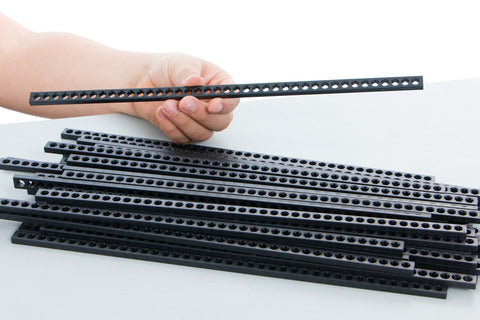
Connector Strip | 16 |
 |
Bridge Screw | 11 |
 |
Bridge Nut | 33 |
 |
Wire Roll | 1 |
Science, Math & Engineering Standards
TeacherGeek products fit proposals, grants or lesson plans with ease! Explore more resources below:
|
NGSS Standards Spreadsheet: PDF | DOCX |
NGSS standards matrix for all TeacherGeek activities. |
|
ITEEA Standards Spreadsheet: PDF | DOCX |
ITEEA standards matrix for all TeacherGeek activities. |